
rembg vs a background removal API
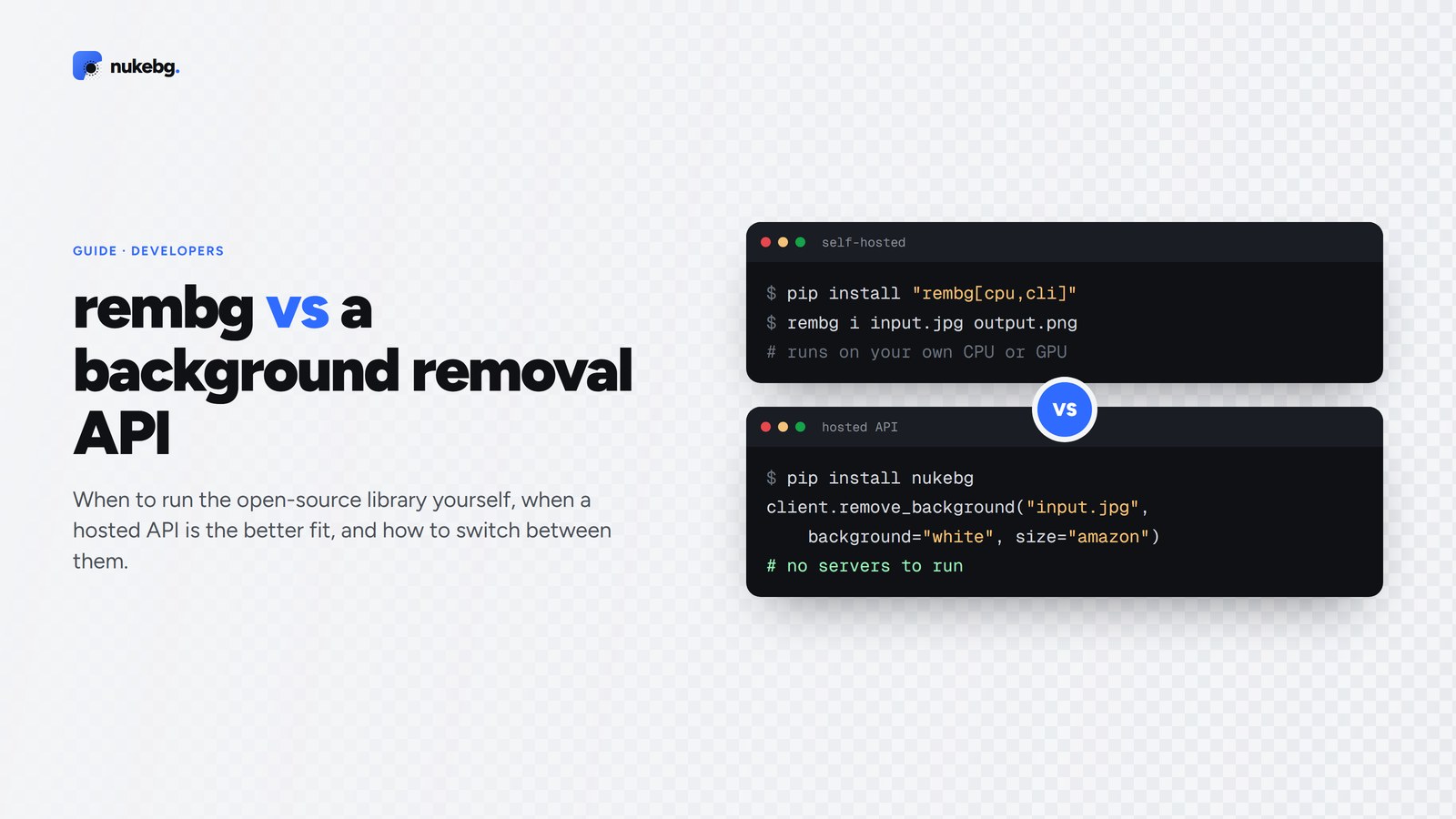
rembg is a free, open-source Python library and CLI that removes image backgrounds on your own machine. It's a great choice for offline work, experiments and teams happy to run their own CPU or GPU servers. A hosted API is the better fit when you'd rather not manage models and servers, need consistent speed at any volume, or want extras such as white backgrounds, marketplace sizes, batches and webhooks.
Updated
What rembg is
rembg is an MIT-licensed Python project that wraps several segmentation models (U²-Net, IS-Net, BiRefNet and others) behind one function, a command-line tool and a small HTTP server. It runs the models with ONNX Runtime on CPU or, with the GPU extra, on CUDA.
You install it with pip, the first run downloads the model you choose, and from then on everything runs locally. Nothing leaves your machine.
pip install "rembg[cpu,cli]"

# Command line
rembg i input.jpg output.png

# Python
from rembg import remove

with open("input.jpg", "rb") as f:
    output = remove(f.read())
open("output.png", "wb").write(output)
When rembg is the right choice
Choose rembg when one of these matters more than convenience:
- Images can't leave your network, for privacy or compliance reasons.
- You already run GPUs and process very large volumes, so the marginal cost per image is close to zero.
- You want to experiment with different models, fine-tune one, or build the cutout into a larger pipeline you control.
- You need it to work offline.
When an API is the better fit
Running rembg in production means owning the servers: model downloads of a few hundred megabytes, cold starts, memory limits, scaling for traffic spikes and keeping dependencies up to date. On a CPU, a high-quality model can take seconds per image; fast results need a GPU that's paid for whether or not it's busy.
A hosted API turns that into a per-image price. With NukeBG, one standard cutout is 1 credit, monthly plans start at $9 for 1,500 credits, and failed calls are free. It also handles the work around the cutout: colour-spill cleanup on the edges, pure white backgrounds, Amazon, Shopify and Etsy sizes, shadows, batches of 500 with webhooks, object removal, upscaling and video.
Side by side
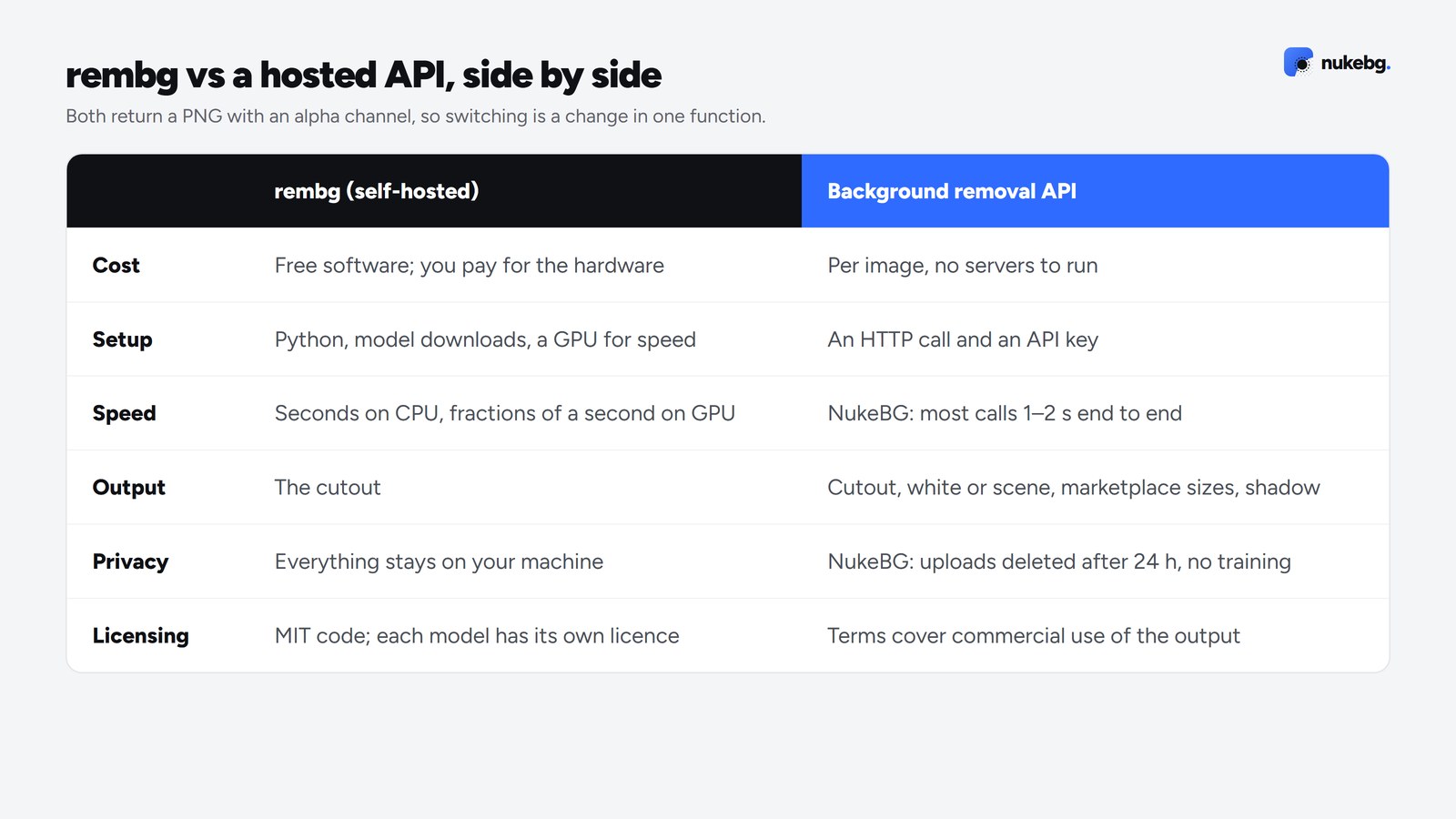
- Cost: rembg is free software, but you pay for the hardware it runs on. An API charges per image and needs no servers.
- Setup: rembg needs Python, model downloads and, for speed, a GPU. An API needs an HTTP call and a key.
- Speed: rembg depends on your hardware, from seconds per image on CPU to fractions of a second on a GPU. NukeBG's paid calls run on GPUs, and most finish in one to two seconds end to end.
- Output: rembg returns the cutout. An API like NukeBG can also place it on white or a scene, at marketplace sizes, with a shadow, in one call.
- Privacy: rembg keeps everything local. NukeBG deletes uploads after 24 hours and doesn't train on your images, but the image does travel to its servers.
- Licensing: rembg's code is MIT-licensed, but each model has its own licence; check it before commercial use. An API's terms cover commercial use of the output.
Using both
Plenty of teams do both: rembg for development, tests and internal tools, an API for customer-facing traffic where speed and reliability matter. Because both return a PNG with an alpha channel, switching is a change in one function. NukeBG also accepts remove.bg-style requests, so code written for remove.bg works with one URL change.
Try the API on your own images
50 free credits, no card. Compare the results with rembg side by side.
Frequently asked questions
Yes. rembg is open-source under the MIT licence. You pay only for the computer it runs on. Individual models have their own licences, so check them before commercial use.