
How to get a white background for product photos
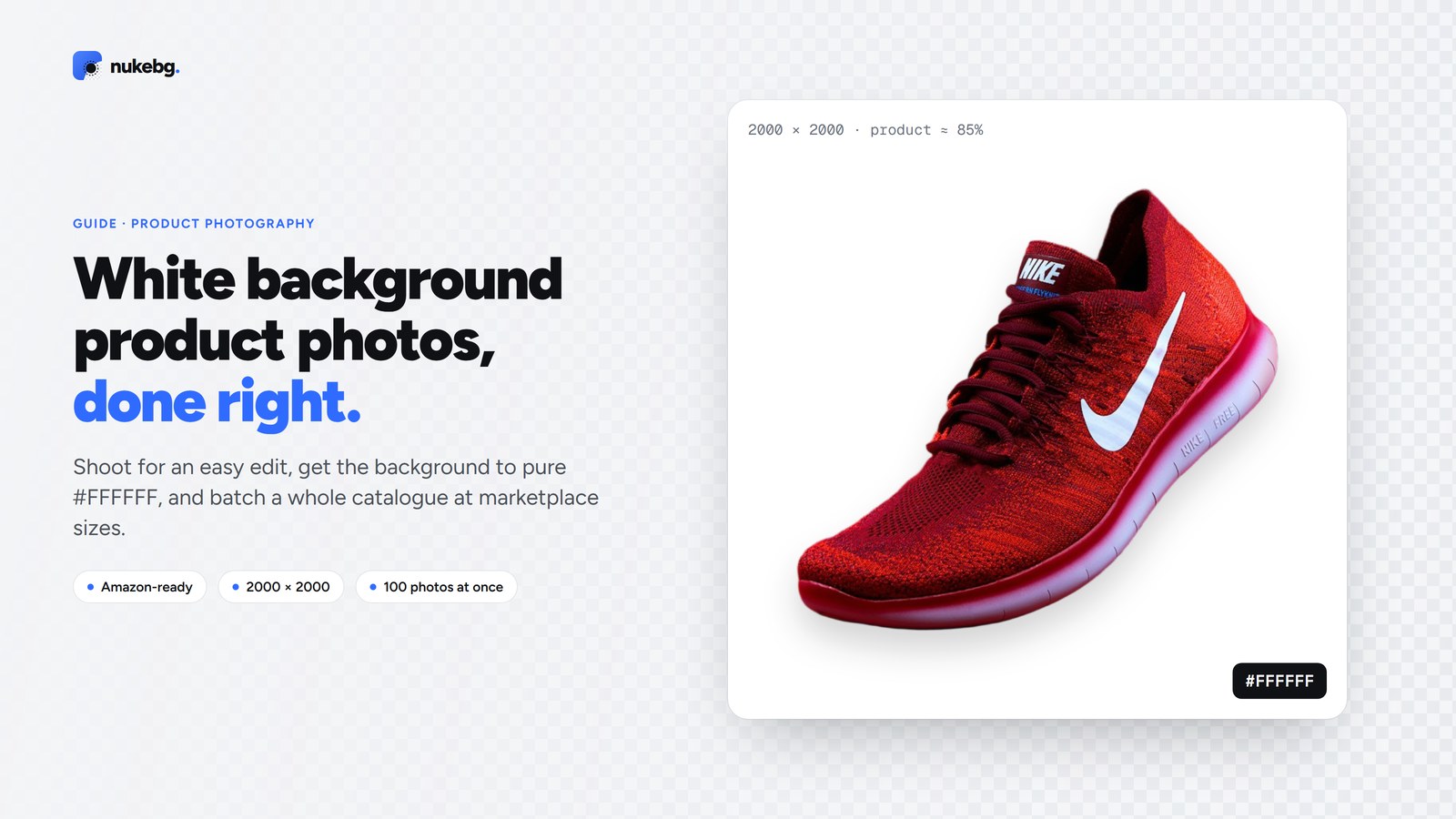
Shoot the product on a white sweep with soft, even light, then make the background pure white (#FFFFFF) in editing. The quickest way to get a clean, consistent white is to cut the product out and place it on a new white canvas, which also lets you size every image the same way. Amazon requires pure white for main images, and most other marketplaces favour it.
Updated
Why white backgrounds matter
A white background keeps attention on the product, makes a catalogue look consistent, and works on every marketplace and theme. Amazon's rules for main images ask for a pure white background (RGB 255, 255, 255) with the product filling about 85% of the frame. Most other marketplaces and shopping ads favour plain, light backgrounds too.
Shooting for an easy edit
You don't need a studio. A good starting point:
- Use a white paper sweep or a light tent, curving from the surface up behind the product so there's no horizon line.
- Light it softly from both sides, with a window or two lamps through diffusers. Even light means fewer harsh shadows to fix.
- Put the camera or phone on a tripod and shoot every product from the same position, so the catalogue lines up.
- Leave space around the product. Cropping in is easy; adding missing edges isn't.
- Turn off any beauty or portrait filters, which soften edges and labels.
Getting the background to pure white
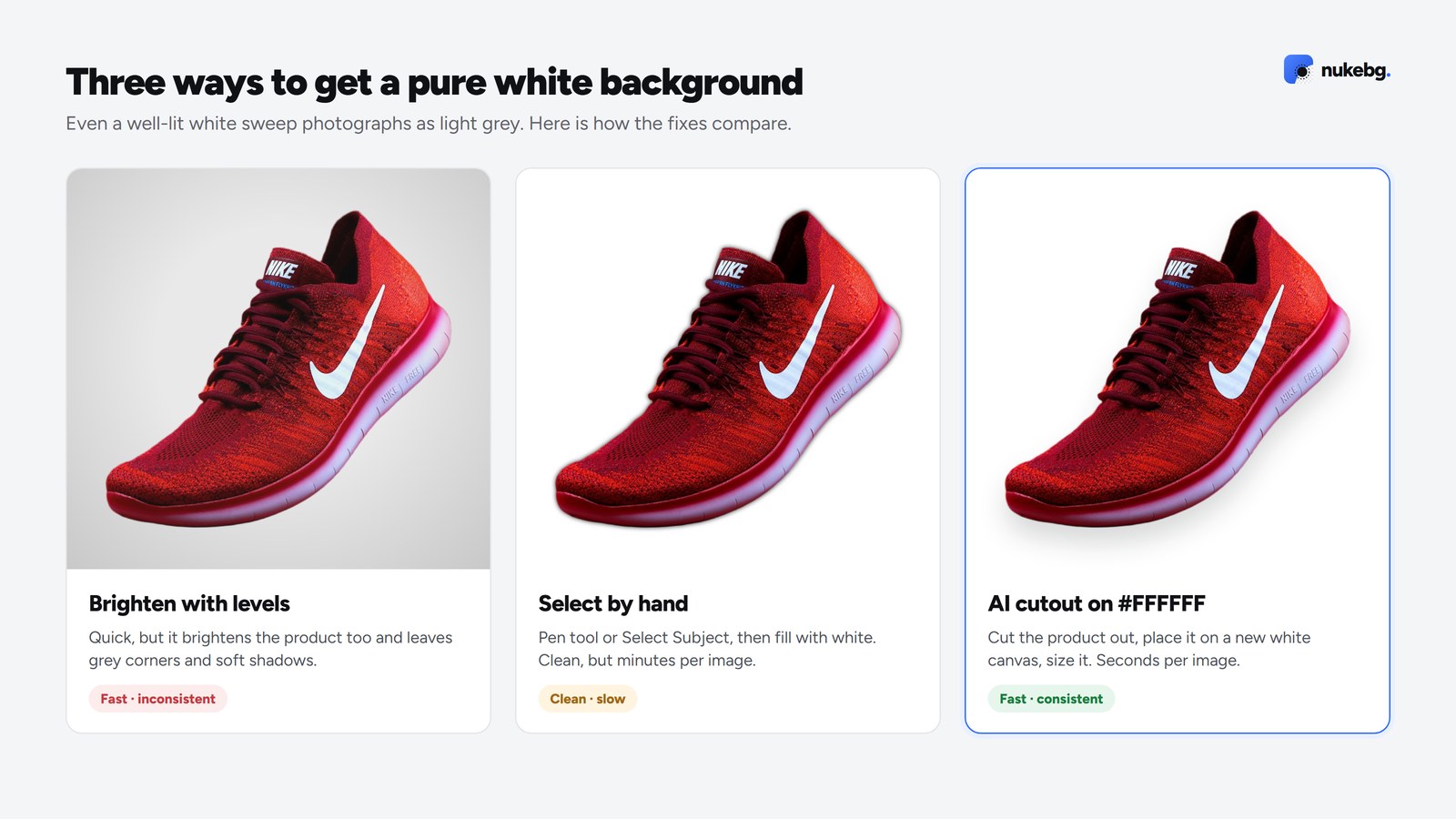
Even a well-lit white sweep photographs as light grey. There are three ways to fix it.
Brightening with levels or curves until the background clips to white is quick, but it also brightens the product and leaves grey corners and soft shadows behind.
Selecting the product by hand (Photoshop's Select Subject, the pen tool) and filling the background with white gives a clean result, but takes minutes per image and is hard to keep consistent.
Cutting the product out with AI and placing it on a new #FFFFFF canvas is the fastest and most consistent: the background is perfectly white, the product keeps its own colours, and you can add a soft shadow so it doesn't float.
Doing a whole catalogue at once
In the NukeBG Studio, drop up to 100 photos, choose the white background and a size preset such as Amazon (2000 × 2000, product filling about 85%), and download everything as a ZIP. Each photo is 1 credit; the white background, shadow and sizing are free. For bigger catalogues, the API takes 500 images per batch.
Checklist before you upload
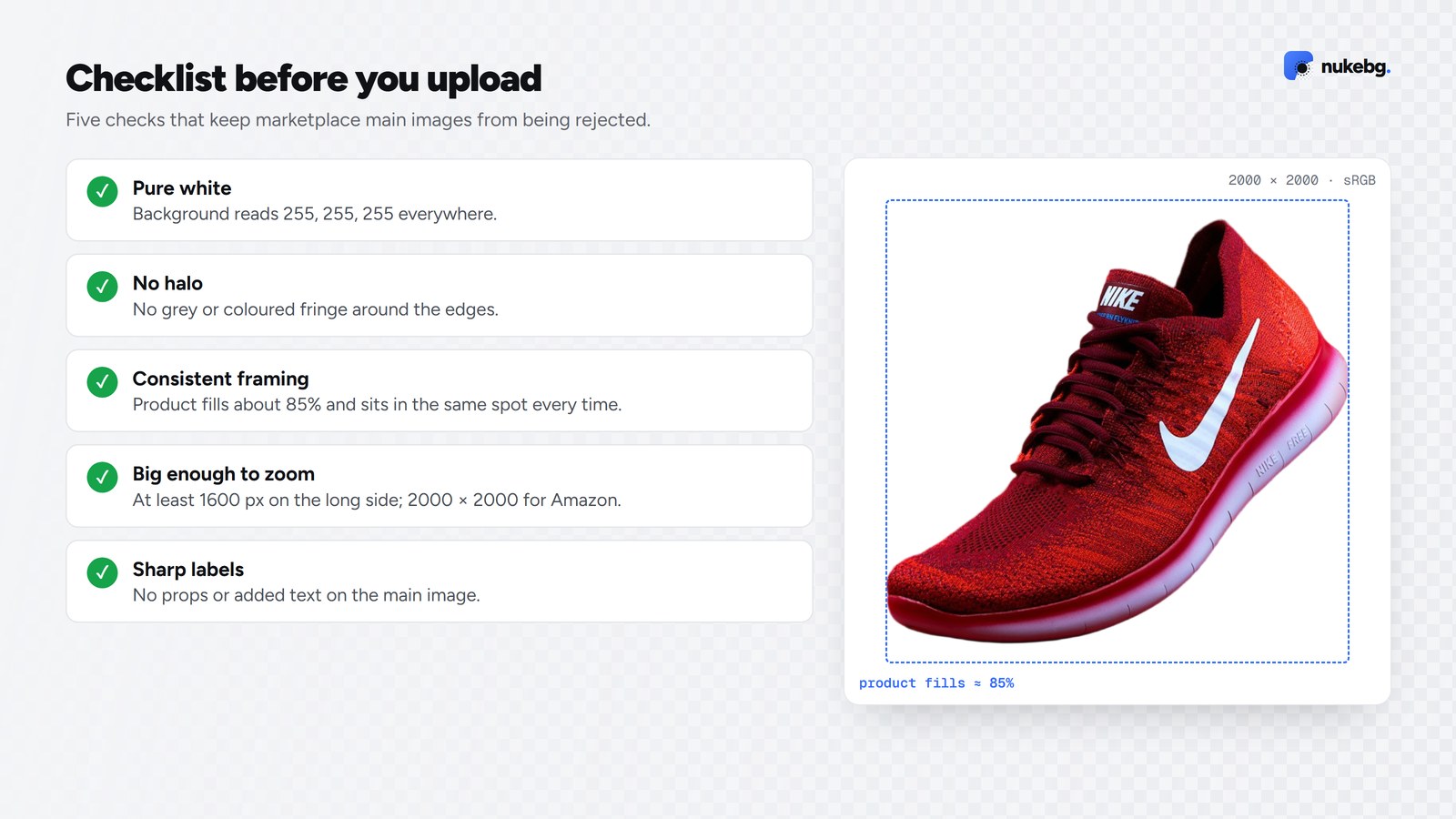
- Background reads 255, 255, 255 everywhere when you check it with an eyedropper.
- No grey halo or coloured fringe around the edges.
- Product fills roughly 85% of the frame and sits in the same place in every image.
- Saved as JPG (or PNG) in sRGB, at least 1600 pixels on the longest side so shoppers can zoom.
- Labels and logos are sharp and readable, with no props or text added to the main image.
Put your products on pure white
Drop up to 100 photos, choose white and Amazon size, download a ZIP.
Frequently asked questions
Pure white (#FFFFFF) for main marketplace images, because it's required by Amazon and works everywhere. Coloured or lifestyle backgrounds suit secondary images and social posts.